
 Join our Discord
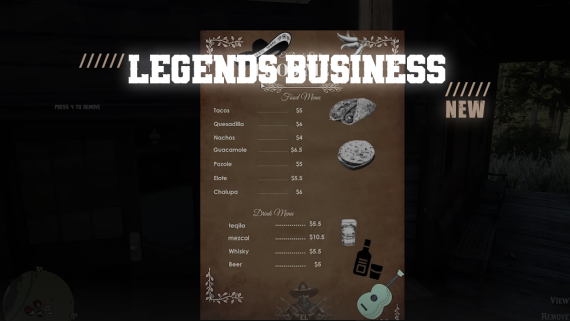
# Legends: Business Menu Script
Welcome to the Legends: Business Menu Script for RedM. This script enhances roleplaying by allowing players to create, view, and manage custom business menus. Built on the VORP framework, it integrates various utilities to provide a seamless experience.
## Features at a Glance
🎨 Custom Business Menus: Players can set up business menus with custom images.
🗺️ Location-Based Menus: Menus are linked to specific locations in the game world.
⚙️ Admin Controls: Only the creator or an admin can remove a business menu.
💬 Interactive Prompts: Utilize advanced input prompts to manage menus.
💻NUI Integration: View custom images in-game using the NUI.
🔒Job Restrictions: Only certain jobs can use the business menu item.
## Dependencies
- vorp_core
- bcc-utils
- oxmysql
- vorp_inventory
## Installation
1. Download and Extract: Download the Legends: Business Menu Script and extract it to your server's resource directory.
2. Add to Server Config: Add `start legends-bmenu` to your `server.cfg` file.
3. Database Setup: Ensure you have a table set up for storing business menu data. The table name should match `Config.DatabaseTable` in `config.lua`.
## Configuration
Open the `config.lua` file and adjust the following settings as needed:
```lua
Config = {}
Config.DatabaseTable = "legends_businessmenu"
Config.keys = {
E = 0xCEFD9220, -- Key code for E
R = 0xDE794E3E -- Key code for R
}
Config.Jobs = {
["business_owner"] = true,
["admin"] = true
}
```
Video:
Compatibility: VORP ✅